

Advanced Functions
Learn advanced function concepts.
Anonymous functions
You can create a function without giving it a name - these are called anonymous functions.
Anonymous functions are useful for creating small, one-off functions that you don’t need to reuse elsewhere in your code. Typically, they’re used for signal callbacks in TruScript code:
extends Part

this.Touched.Connect(func(other):
    print("Touched by " + other.Name)
)
The anonymous function, func(other) does not have a name, and is passed as an argument to the Connect function of Part’s Touched event. When the Touched signal is fired, the anonymous function will be called with the other parameter set to the part that touched this part.
| Beware TruScript’s somewhat strict indentation rules when writing anonymous functions. The body of the function must be indented, and the closing parameter of the enclosing call must be on the same indentation level as the call’s first line. If you want more flexibility with indentation, consider using a named function instead. |
Expression functions
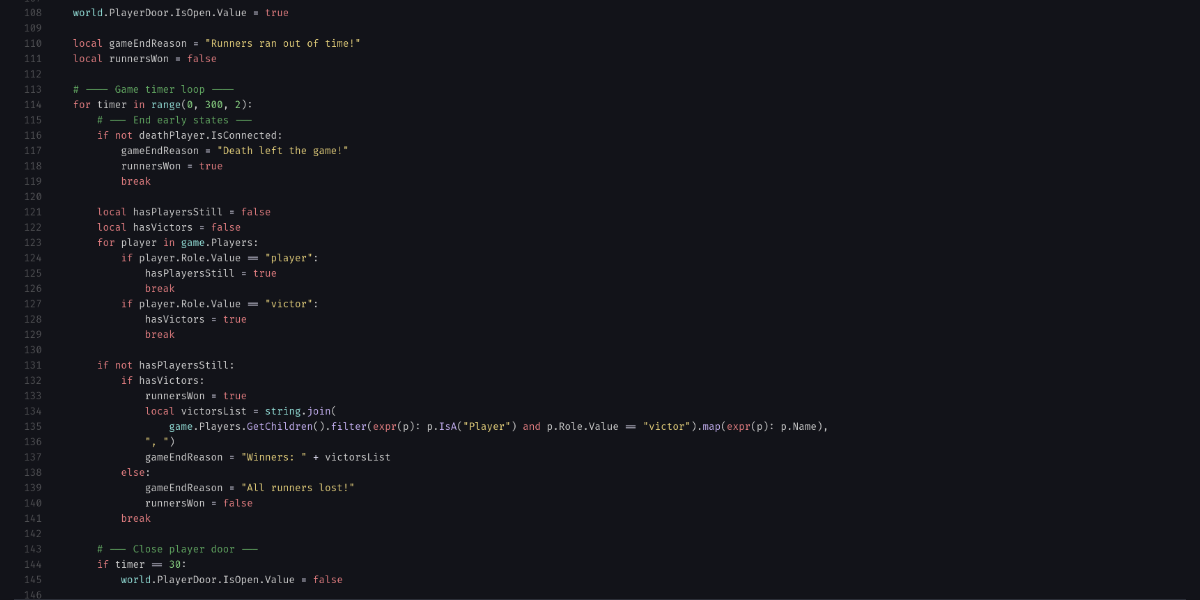
The expr() keyword is useful for creating a one-line anonymous function that returns an expression. This is preferred over using a full anonymous function when you only need to return a single value, as you don’t need to worry about indentation.
local add = expr(a, b): a + b
local subtract = expr(a, b): a - b

func performCalculation(a, b, operation):
    printf("Performing calculation on {0} and {1}", a, b)
    return operation(a, b)

print(performCalculation(5, 3, add)) # prints 8
print(performCalculation(5, 3, subtract)) # prints 2
Notice how expression functions created with the expr() keyword do not have a return statement. The value of the expression is automatically returned as the only value of the function. You cannot use return or other statements in an expression function, as it is only meant to return a single value.
|
Expression functions can be composed of multiple operations, including calling other functions, as long as the entire expression is on a single line.
local add = expr(a, b): a + b
local multiply = expr(a, b): a * b
local multiply_then_add = expr(a, b, c): multiply(a, b) + c

print(multiply_then_add(2, 3, 4)) # prints 10
Use with the standard library
The TruScript standard library provides a number of functions that take other functions as arguments. For example, the Array.map() function takes an array and a function, and returns a new array with the function applied to each element of the original array. This can be useful for writing efficient data manipulation which otherwise would require a complex loop.
You can use these functions with expr() to create concise, one-line anonymous functions that can be used to provide simple calculations against each element of an array or table.
local numbers = [1, 2, 3]
local numbers_doubled = numbers.map(expr(number): number * 2)
print(numbers_doubled) # prints [2, 4, 6]

local numbers = [1, 2, 3, 4]
local only_odd_numbers = numbers.filter(expr(number): number % 2 != 0)
print(only_odd_numbers) # prints [1, 3]